OpenHarmony开发者论坛
标题:
OpenHarmony resource资源转换为string
[打印本页]
作者:
onefan
时间:
2026-1-16 15:54
标题:
OpenHarmony resource资源转换为string
# OpenHarmony resource资源转换为string
本文以 OpenHarmony 5.1R RK3568 设备为例,讲解。
> 开发环境
>
> * OpenHarmony 标准系统 5.1R
> * rk3568 设备
> * SDK API 18
>
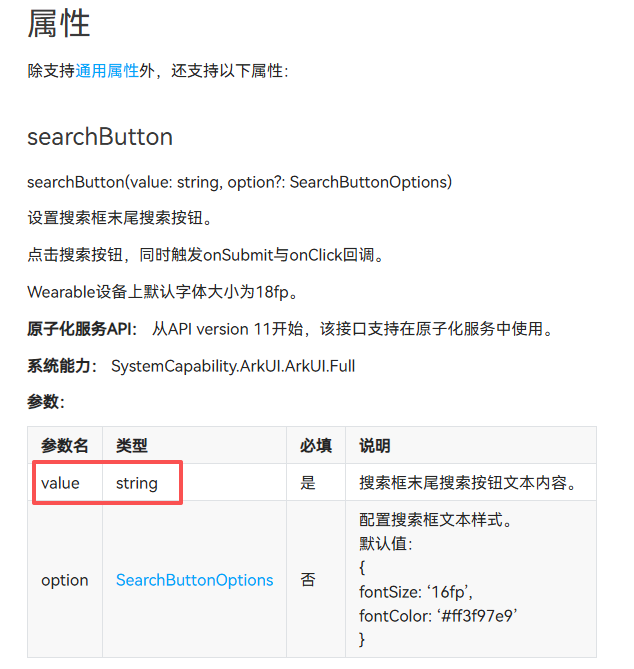
在鸿蒙应用开发过程中,经常会遇到一些组件所需的value指定为了string,而并非Resource或ResourceStr,为适配国际化,现以中/英 文为例,将Resource资源转换为string。
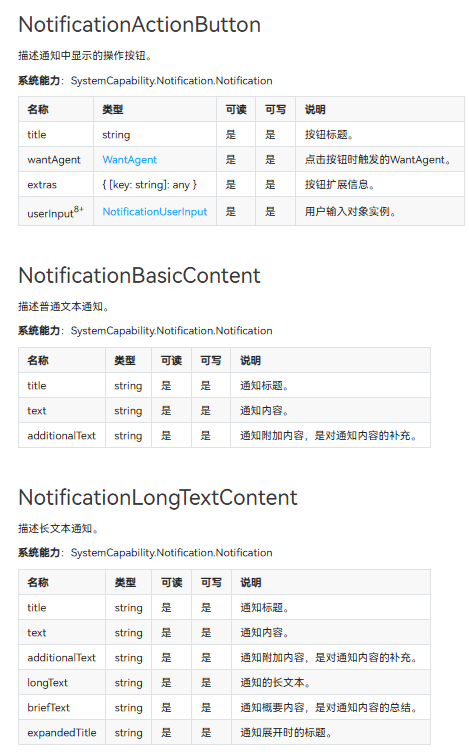
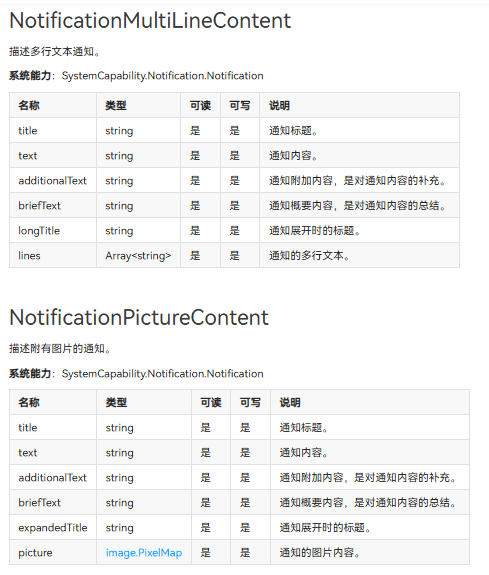
涉及相关组件有 search的searchButton,notification的NotificationActionButton,NotificationBasicContent,NotificationLongTextContent,NotificationMultiLineContent,NotificationPictureContent等。


还有一些其他的场景未详细添加。
以app.string.searchValue为例,中文值为:开源鸿蒙,英文名为:OpenHarmony
```
$r('app.string.searchValue')
```
初始代码:
```
.searchButton('开源鸿蒙', { fontColor: '#fff80939' })
```
若直接变更为
```
.searchButton($r('app.string.searchValue'), { fontColor: '#fff80939' })
```
则会报错。

故此需要将resource资源转换为string。
此处我们需要用到同步方法
```
resourceManager.getStringSync(res.id)
```
或异步方法
```
context.resourceManager.getStringValue(res.id)
```
**具体方法为:**
```
resourceToString(res: Resource): string {
try {
return context.resourceManager.getStringSync(res.id);
} catch (error) {
console.error(`转换失败: ${error.message}`);
return ''
}
}
```
**或:**
```
async resourceToStringAsync(res: Resource){
this.searchValue = await context.resourceManager.getStringValue(res.id)
}
```
**简洁代码片段为:**
```
context.resourceManager.getStringSync($r('app.string.searchValue').id)
```
demo代码:
```
import { common } from '@kit.AbilityKit';
const context = getContext(this) as common.UIAbilityContext;
@Entry
@Component
struct Index {
@State searchValue: string = '开源鸿蒙'
onPageShow(): void {
this.searchValue = this.resourceToString($r('app.string.searchValue'))
//this.resourceToStringAsync($r('app.string.searchValue')) //异步获取
}
resourceToString(res: Resource): string {
try {
return context.resourceManager.getStringSync(res.id);
} catch (error) {
console.error(`转换失败: ${error.message}`);
return ''
}
}
// async resourceToStringAsync(res: Resource){
// this.searchValue = await context.resourceManager.getStringValue(res.id)
// }
build() {
Column() {
Search({ placeholder: $r("app.string.seaKey") })
// searchButton 的value属性默认为string,如需适配国际化(多语言),需要将resource转换为string.
.searchButton(this.searchValue, { fontColor: '#fff80939' })
.width('50%')
.height('5%')
}
.width('100%')
.height('100%')
.alignItems(HorizontalAlign.Center)
.justifyContent(FlexAlign.Center)
.backgroundColor('#ff54fddb')
}
}
```
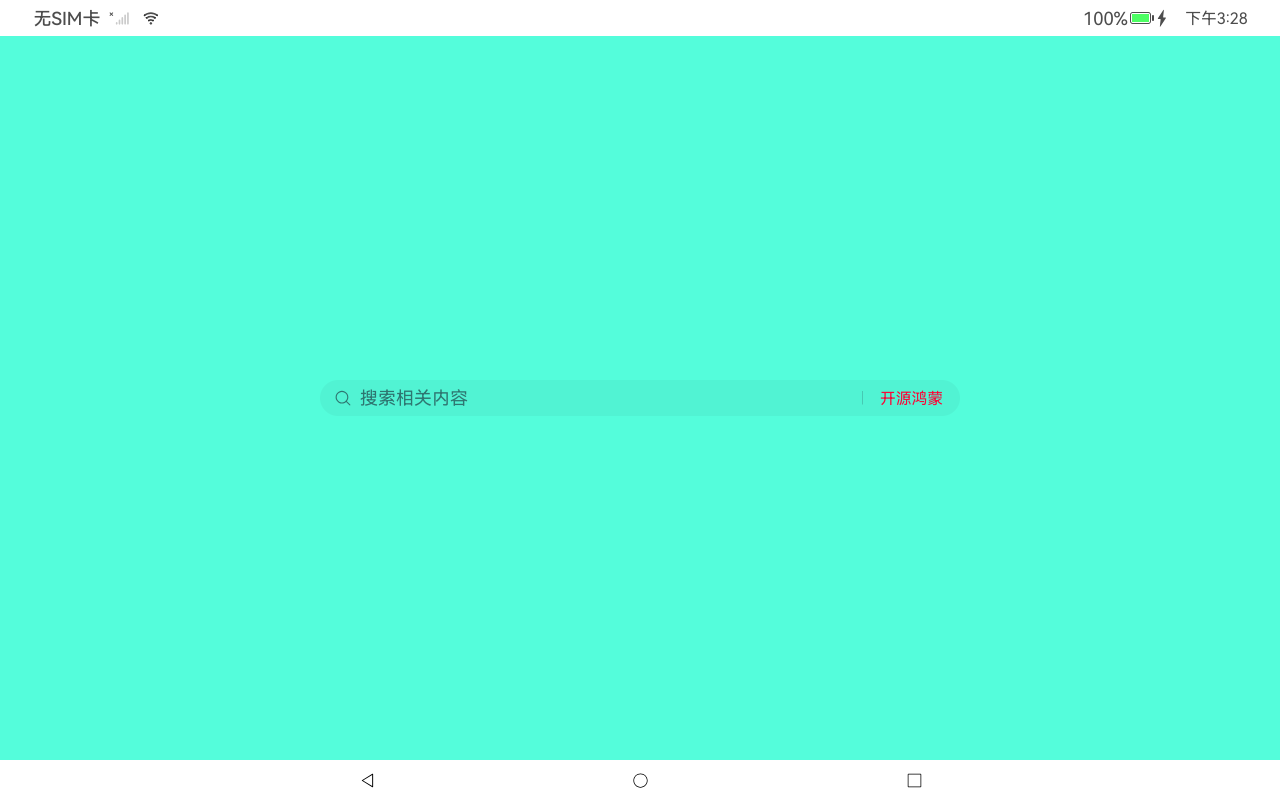
显示效果:(中文)

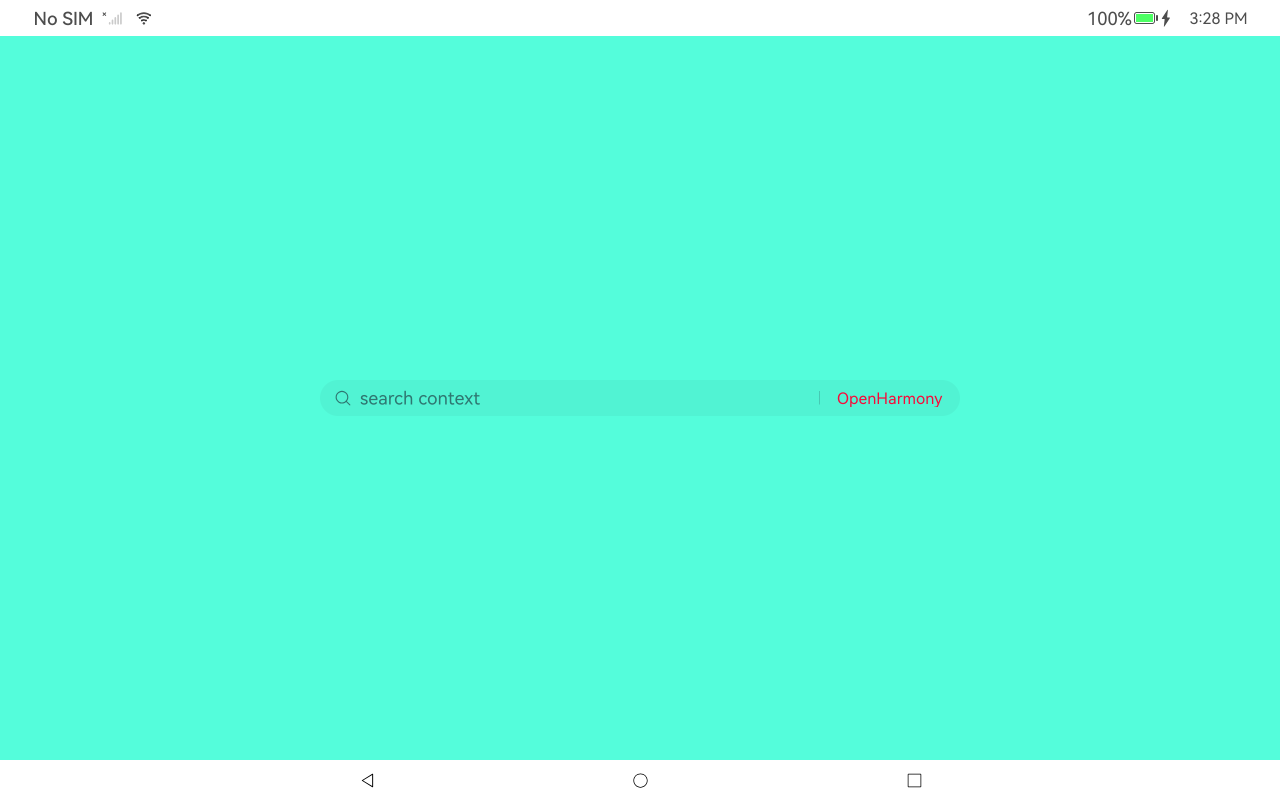
显示效果:(英文)

demo源码地址:[resourceToString:resourceToString - AtomGit | GitCode](
https://gitcode.com/wanfan_yyds/resourceToString
)
欢迎光临 OpenHarmony开发者论坛 (https://forums.openharmony.cn/)
Powered by Discuz! X3.5
 "image.png")
 "image.png")
 "image.png")
 "image.png")
 "image.png")
 "image.png")